
Fill directory & profile forms in one click
Save your business details once. LinkHunter Form Filler fills directory, citation and profile submission forms for you — then gets out of the way so you review and press submit.
- Data stays in your browser
- Alt+Shift+F
- Never auto-submits
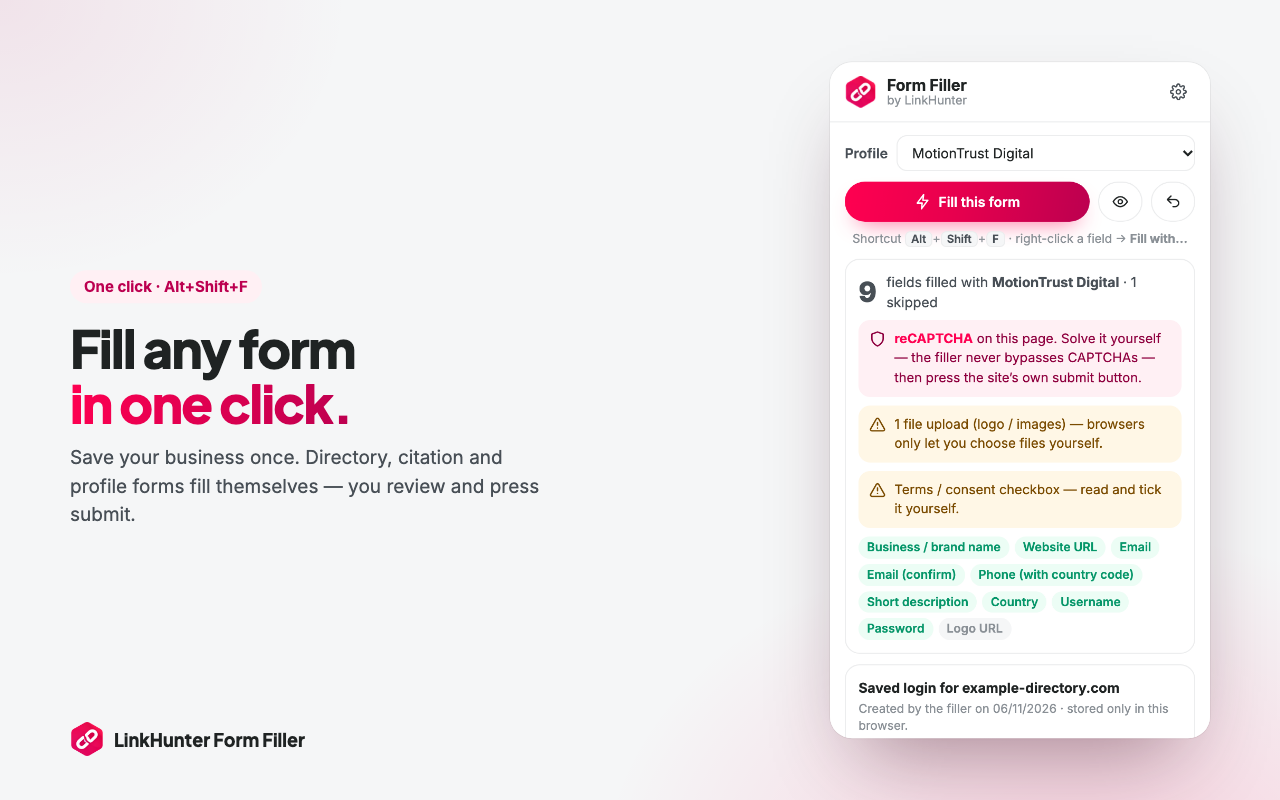
Built for link building forms
Directory submissions, local citations, startup launch sites and profile links — the same details, typed hundreds of times. Not any more.
Smart field matching
Reads labels, names, placeholders and autocomplete hints — in English, Spanish, German and French — to put each value in the right box.
Length-aware descriptions
Save a short, medium and long description. Each form gets the version that fits its character limit, trimmed at a sentence if needed.
CAPTCHA alerts
reCAPTCHA, hCaptcha, Turnstile, image and math CAPTCHAs are found and highlighted. You solve them — the extension never bypasses them.
Logins per site
Confirm-email and confirm-password filled, plus an optional unique strong password and username per site, remembered in your browser.
Honeypot-safe
Hidden spam-trap fields are never filled, so your submissions don’t get silently binned as bots.
Right-click to teach
Right-click any field → “Fill with…”. The extension remembers that field for the site next time.
Preview & undo
See what will be filled before it happens, and restore the form in one click.
Submission log
Track every site as filled, submitted, pending, live or rejected — and export it to CSV.
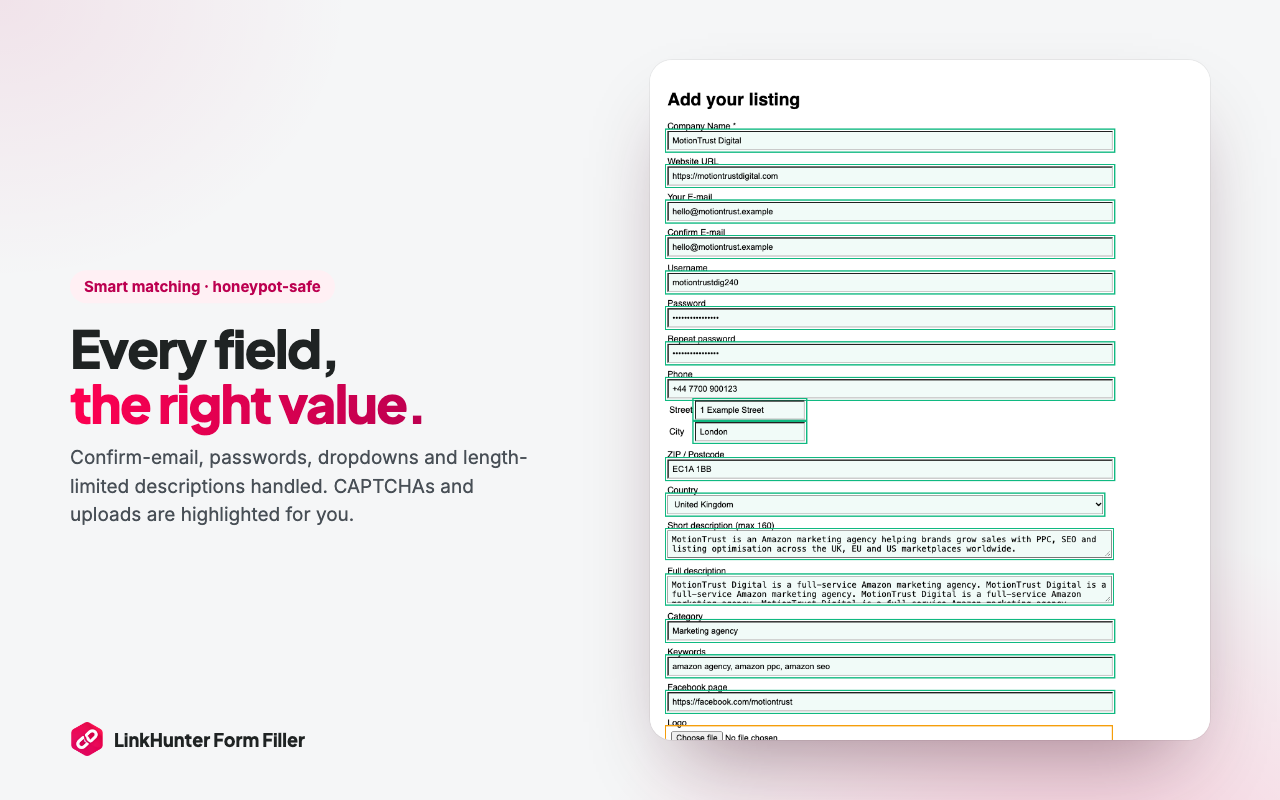
Every field, the right value
Confirm-email, passwords, dropdowns and length-limited descriptions are handled. The CAPTCHA, logo upload and terms box are highlighted for you — nothing is ticked or solved behind your back.
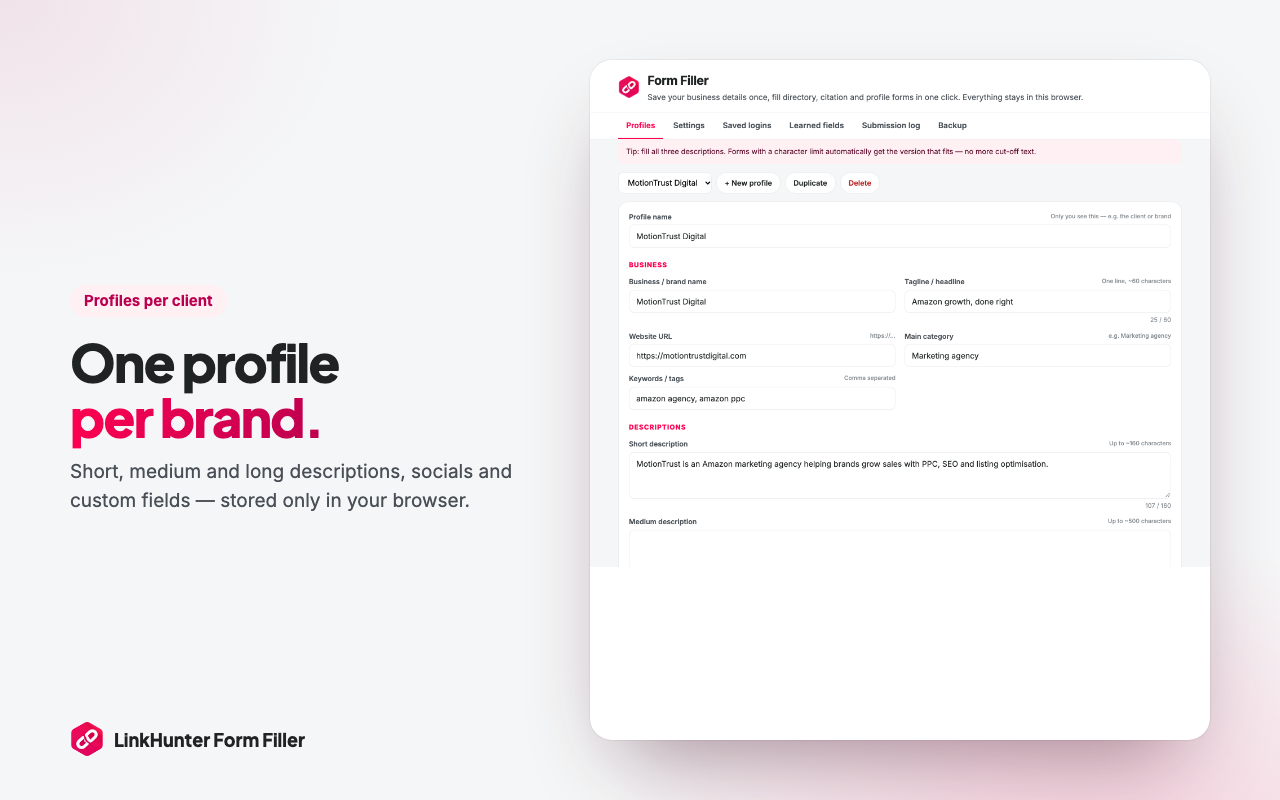
One profile per client or brand
Agencies keep a profile for every client, with short, medium and long descriptions, social links and their own custom fields. Back everything up to one file and move it to another computer.
Install in a minute
1. Download
Download the ZIP above and unzip it.
2. Load it
Open chrome://extensions, switch on Developer mode and choose “Load unpacked”.
3. Add your profile
The settings page opens — save your business details once.
4. Fill
Open any submission form and click the extension or press Alt+Shift+F.
Private by design — no server, no account, no tracking. Privacy policy
Rather not fill forms at all?
With Directory Boost, the LinkHunter team and agents submit your business to hand-picked directories and send you every live URL.
